Video voice-overs
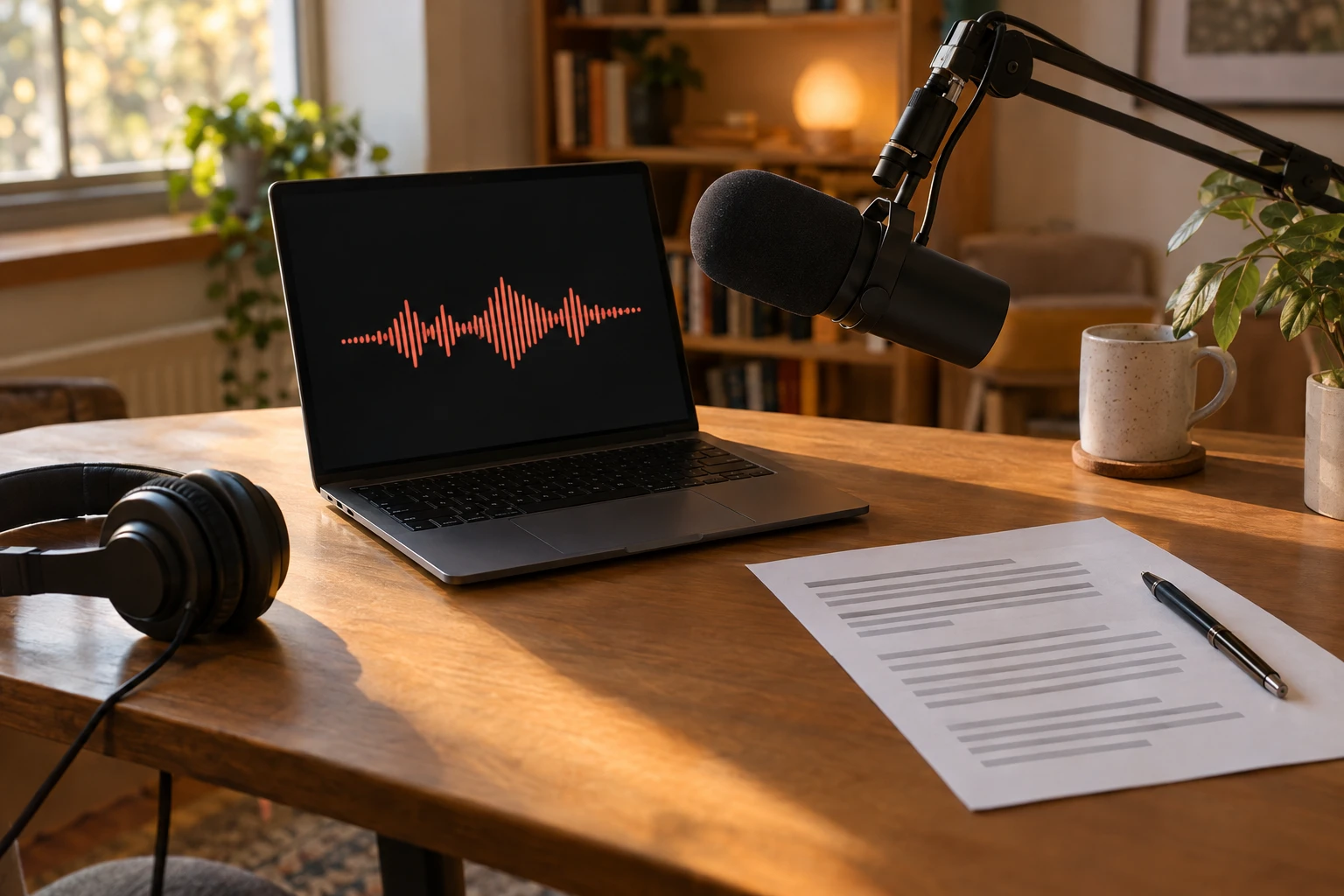
Narrate tutorials and vlogs with AI voice cloning instead of recording every take.
Dessa AI studio · Voice Cloning
Dessa AI is a browser voice studio. Its AI voice cloning tool learns your voice from a short recording, then reads any script in it, so you can make voice-overs without stepping up to a microphone again.
最长 3 分钟,一个人清楚地说话,不要有背景音乐(建议至少 30 秒)。支持 MP3、WAV、M4A、OGG、WebM、FLAC,最大 10 MB。
用克隆声音生成的语音会显示在这里,可以播放和下载。
01
AI voice cloning starts with a recording: press Record and read a few paragraphs aloud, or upload a clip you already have. Up to 3 minutes is used. Give the voice a name, confirm it is yours, and it is saved. There is no training queue to wait for: the AI voice cloning reads from your recording each time you generate.
02
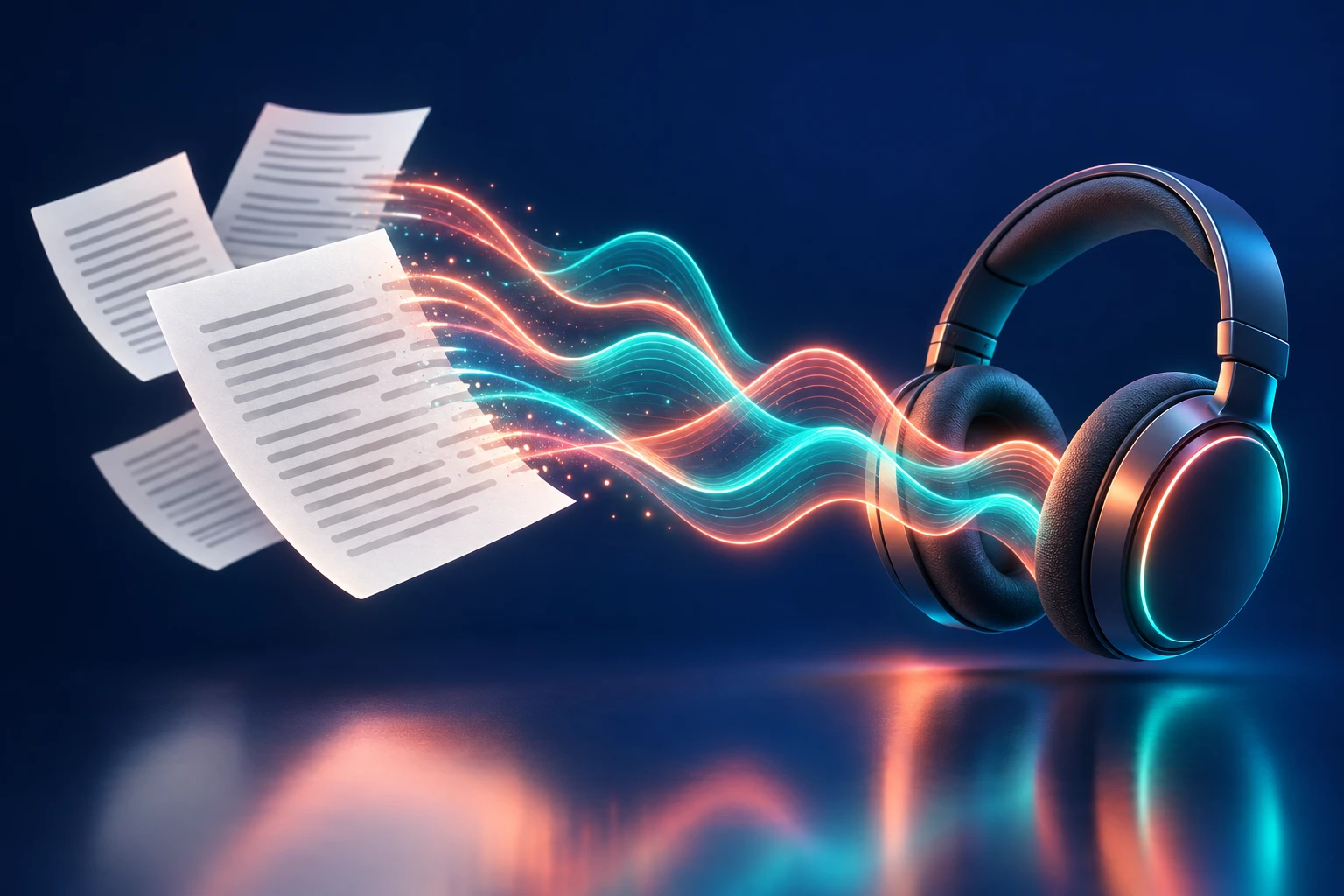
Pick a saved voice, paste a script and press Generate. AI voice cloning turns the text into speech in your voice and gives you a 44.1 kHz WAV file to drop into your editor. Fix a typo by editing the script, not by recording again. For a stock voice instead, use AI text to speech.
03
A voice is personal, so AI voice cloning on Dessa AI only works with your own voice or a voice you have permission to use. You confirm this every time you save a voice. Recordings are stored privately, never shown to other users, and deleted when you delete the voice. AI voice cloning costs 2 credits per 160 characters; saving a voice is free. See pricing for credit packs and plans.
How it works
Four steps from your first recording to a finished voice-over.
Read aloud in a quiet room for at least 30 seconds, or upload a clip of one person speaking.
Confirm the voice is yours or that you have permission, then save it for AI voice cloning.
Type the text you want read. AI voice cloning costs 2 credits per 160 characters.
Play the AI voice cloning result, then download the WAV. It is also saved under Settings, Files.
Use cases
AI voice cloning helps when the voice matters as much as the words: your audience already knows how you sound.
Narrate tutorials and vlogs with AI voice cloning instead of recording every take.
Change a lesson by editing the script; AI voice cloning keeps the new audio sounding like you.
Patch a missed line or make an ad read with AI voice cloning from a script.
Read a translated script in your cloned voice, in any of 39 script languages.
Add your voice to slides and product walkthroughs with AI voice cloning, no recording session needed.
Keep a recording of your voice ready for days when you cannot or do not want to speak.
FAQ
Dessa AI voice cloning is a tool that copies a voice from a short recording and reads any script in it. Record or upload a clip of your voice, save it, then type text and download the AI voice cloning result as a 44.1 kHz WAV file.
AI voice cloning uses up to 3 minutes of audio; only the first 3 minutes are used. We suggest at least 30 seconds of one person speaking clearly, in a quiet room, with no music. Files can be MP3, WAV, M4A, OGG, WebM or FLAC, up to 10 MB.
Only with their permission. Before you save a voice, you confirm that it is your own voice or that the speaker has agreed to be cloned. AI voice cloning may never be used to impersonate a real person.
Saving a cloned voice is free. Reading a script with AI voice cloning costs 2 credits per 160 characters, and the studio shows the cost before you generate. Dessa AI has no free plan; credit packs start at $9.90 and plans at $19.90 a month.
AI voice cloning keeps up to 5 cloned voices per account. Delete one to make room for another; deleting a voice also deletes its recording.
Yes. The recording behind your AI voice cloning is stored privately in your account, is never shown to other users and is only sent to the voice model when you generate speech. Delete the voice and the recording is deleted too.
AI voice cloning reads scripts in any of the 39 languages that Dessa AI text to speech reads. The language is detected from the script, or you can set it yourself.
Yes, for your own voice or a voice you have permission to use. Speech made with paid credits can go into videos, courses, podcasts and ads with no watermark. You are responsible for the script.
Guides